

 Platform
 W&B Models
 W&B Weave
 W&B Inference
 W&B Training
 Release Notes
This page shows how to define, initialize, and run a sweep. There are four main steps:Documentation Index
Fetch the complete documentation index at: https://wb-21fd5541-weave-caching.mintlify.app/llms.txt
Use this file to discover all available pages before exploring further.
- Set up your training code
- Define the search space with a sweep configuration
- Initialize the sweep
- Start the sweep agent
Set up your training code
Define a training function that takes in hyperparameter values fromwandb.Run.config and uses them to train a model and return metrics.
Optionally provide the name of the project where you want the output of the W&B Run to be stored (project parameter in wandb.init()). If the project is not specified, the run is put in an “Uncategorized” project.
Both the sweep and the run must be in the same project. Therefore, the name you provide when you initialize W&B must match the name of the project you provide when you initialize a sweep.
Define the search space with a sweep configuration
Specify the hyperparameters to sweep in a dictionary. For configuration options, see Define sweep configuration. The proceeding example demonstrates a sweep configuration that uses a random search ('method':'random'). The sweep will randomly select a random set of values listed in the configuration for the batch size, epoch, and the learning rate.
W&B minimizes the metric specified in the metric key when "goal": "minimize" is associated with it. In this case, W&B will optimize for minimizing the metric score ("name": "score").
Initialize the Sweep
W&B uses a Sweep Controller to manage sweeps on the cloud (standard), locally (local) across one or more machines. For more information about Sweep Controllers, see Search and stop algorithms locally. A sweep identification number is returned when you initialize a sweep:Start the Sweep
Use thewandb.agent() API call to start a sweep.
Visualize results (optional)
Open your project to see your live results in the W&B App dashboard. With just a few clicks, construct rich, interactive charts like parallel coordinates plots, parameter importance analyzes, and additional chart types.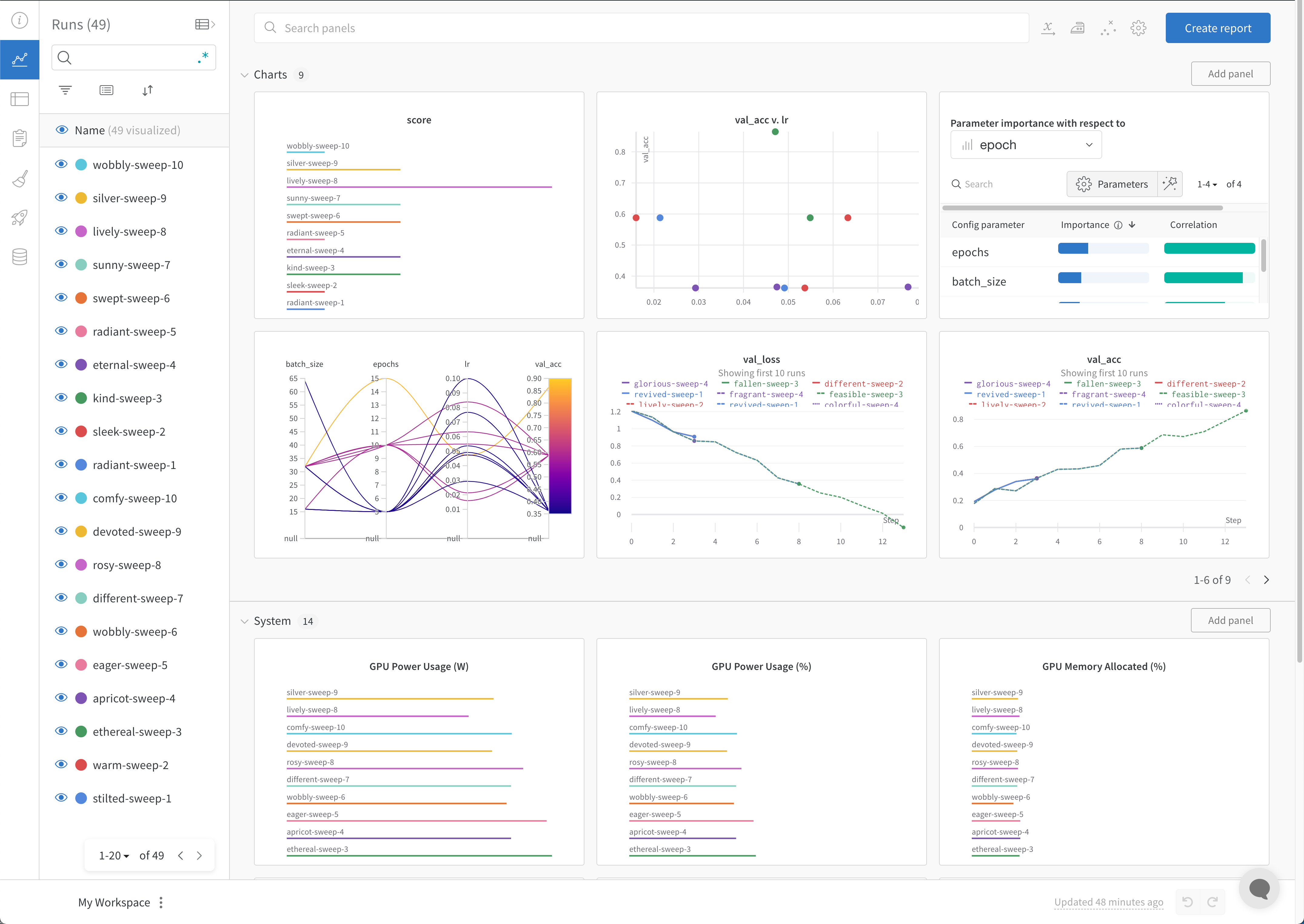
Stop the agent (optional)
In the terminal, pressCtrl+C to stop the current run. Press it again to terminate the agent.